Feature · Watch face
Moon Analogue: a moon phase watch face for Garmin that turns with the sky
Between the scoring apps and race timers, Multipassionate makes one thing that has nothing to do with sport. Moon Analogue puts the moon on your wrist and turns it through the day with the sky.
By Multipassionate · 3 October 2026 · 10 min read
Go outside on a clear evening and look at the moon for a minute, then look again two hours later. It will have moved, of course, but it will also have turned: the bright edge that pointed one way when the moon rose points another way as it climbs. The moon on most watch faces does none of this. It is a flat icon, a circle with a shadow, updated once a day if at all.
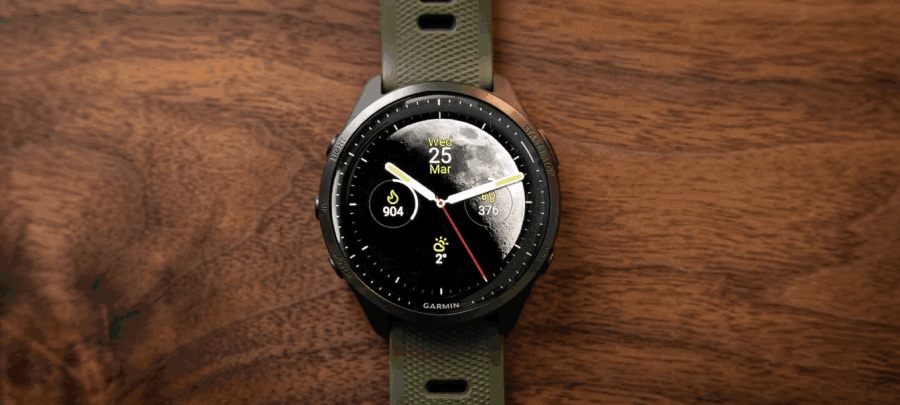
Moon Analogue is a Garmin watch face built around taking the real moon a little more seriously. It shows a photorealistic moon in 30 phases, turns it through the day as the sky turns, and wraps analogue hands and fitness data around it. It is made by Multipassionate, the Dutch studio behind the Smash family of sports apps, and it is the one product in the studio's catalogue that has nothing to do with sport.
What Moon Analogue is
Moon Analogue is a paid watch face for Garmin watches, sold once for €5.99 through Garmin's Connect IQ Store. It combines a moon-phase display with analogue hands and a choice of everyday statistics, in five layouts that range from the moon alone to a dense dashboard. A touch on the screen reveals a lunar information layer with the moon's age, the phase name, the moon's current zodiac sign and a daily "lunar intent".
It is designed first for the AMOLED generation of Garmin watches, with true-black backgrounds and a dedicated always-on mode. In October 2026 it was at version 4.2, was listed as compatible with 58 Garmin device variants, from the Venu and vívoactive ranges to the epix, the fēnix 8 AMOLED and fēnix 9, the Forerunner 165, 265, 570, 965 and 970, the Instinct 3 AMOLED and the MARQ collection, and held a 4.5 out of 5 rating from 11 reviews. The watch face is localised in 11 languages.
Two months in one sky
A moon-phase display looks simple, but it has to reconcile two different clocks.
The first is the synodic month, the familiar cycle of phases from new moon to full moon and back, which lasts about 29.53 days. It is set by the angle between the sun, the Earth and the moon: as the moon moves around the Earth, we see more or less of its sunlit half. Moon Analogue renders that cycle with 30 photorealistic phase images, roughly one for each day, so the change from one evening to the next is visible rather than jumping between a handful of standard icons.
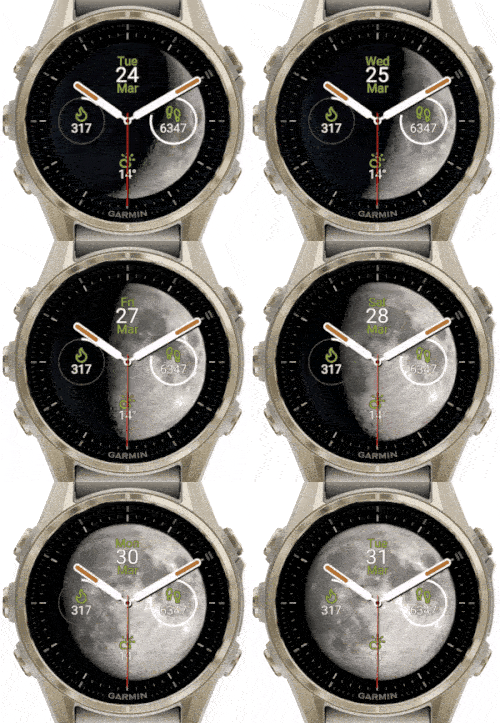
The second is the sidereal month, the roughly 27.32 days the moon takes to return to the same position against the background stars. It is shorter than the synodic month because the Earth is also moving around the sun, so the moon has to travel a little further each cycle to line up with the sun again. This is the clock that matters for where the moon appears among the constellations, and Moon Analogue's developer describes a dedicated 27.321-day sidereal model for tracking the moon's progress through the twelve zodiac constellations. Astronomers would add that the band of sky the moon travels through crosses thirteen constellations, Ophiuchus included; the zodiac tradition, and the face, work with twelve.
Two months that disagree by more than two days, on one small screen: that is the quiet bit of engineering underneath the face.
Why the moon turns
The second idea behind Moon Analogue is orientation. The lit side of the moon always faces the sun. But as the Earth rotates, the whole sky appears to wheel overhead at about 15 degrees an hour, and the moon is carried along with it. Seen from the ground, the angle of its bright edge against the horizon therefore keeps changing between moonrise and moonset. A crescent that rises tilted one way sets tilted another, and how it leans also depends on where on Earth you are standing.
Moon Analogue rotates its moon image through the day to reflect this. Its developer describes a steady rotation of 15 degrees per hour, the rate at which the whole sky turns, so the moon on the wrist turns through the day as the sky does. The exact tilt of the real moon against your horizon also depends on your latitude and on where the moon is in the sky, so the face conveys the motion rather than surveying the position. It is a small detail, invisible from one minute to the next, but it is the difference between an icon of the moon and a picture of it.
A dial you assemble
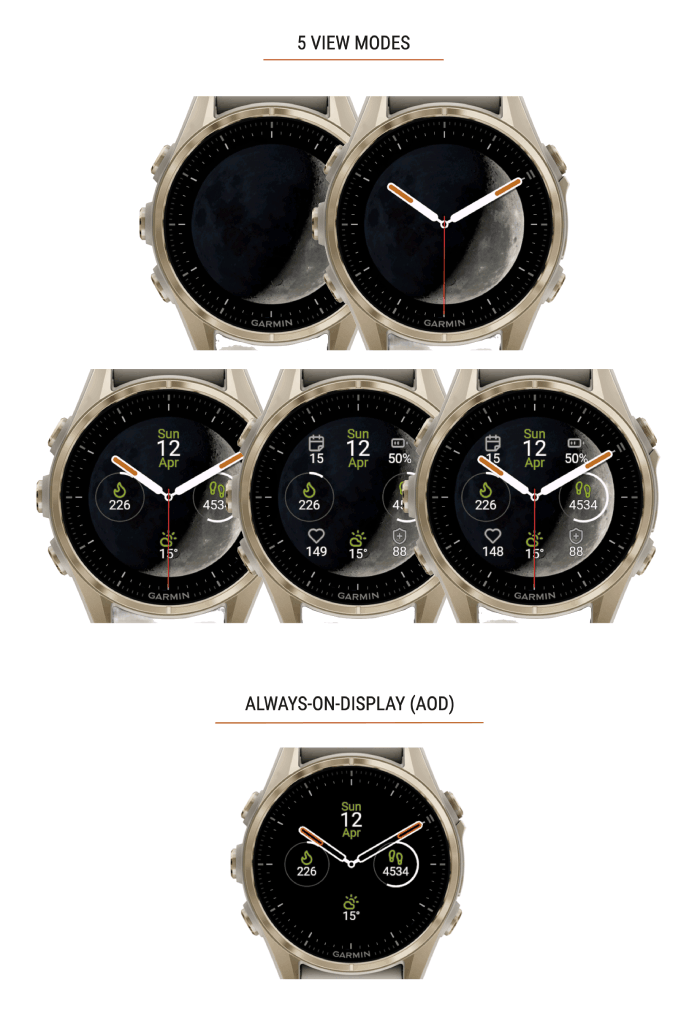
Moon Analogue is not one design but a kit. The main choice is the layout:
| Layout | What it shows |
|---|---|
| Moon Only | The moon and nothing else |
| Minimal | The moon with analogue hands |
| Normal | Adds the date and three fitness rings |
| Detailed | The fullest dashboard, with seven data spots |
| No Watch | Fitness statistics and the moon phase, without hands |
From there:
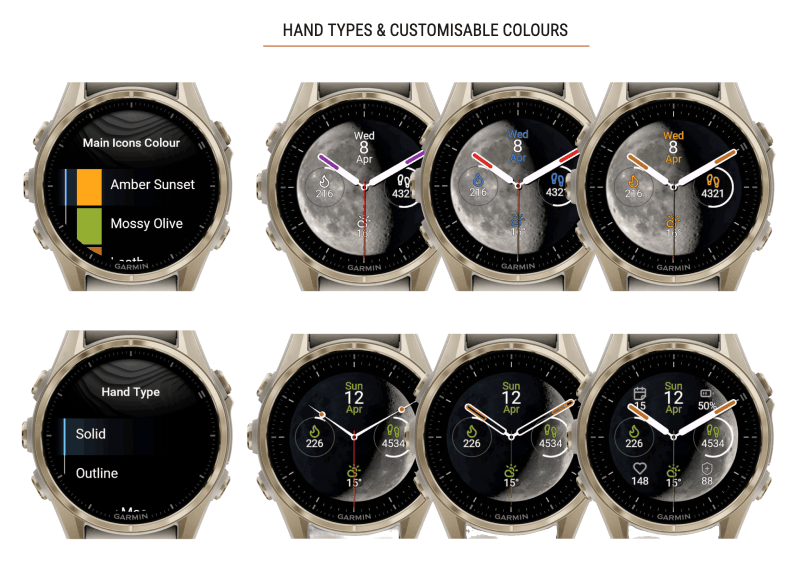
- Hands come in three styles: Solid, Outline, or Moon, a hollow design.
- Colour comes from nine colours, assigned independently to four zones: the primary accent, the secondary accent, the hand highlights and the seconds hand.
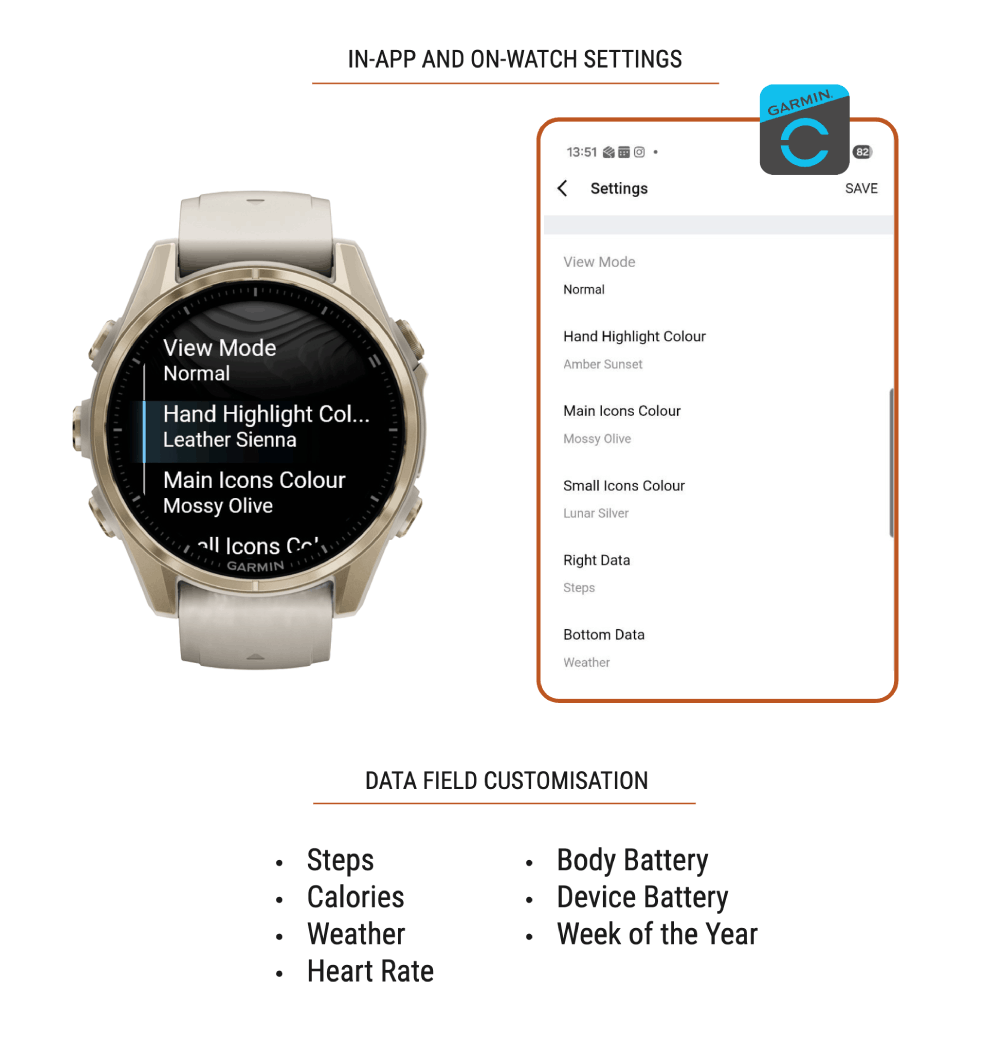
- Data can be placed at the left, the right, the bottom and the four corners, choosing from steps, calories, weather, heart rate, Body Battery, device battery or the week of the year.
Customising happens on the watch itself, with an instant preview: hold the Up (Menu) button, choose Watch Face, select Moon Analogue and choose Customise. The same settings are available on the phone, in the Connect IQ app under My Device, then My Watch Faces, then Moon Analogue, then Settings.
Built for AMOLED, and for battery
A watch face runs all day, so its efficiency matters more than any app's. Moon Analogue uses true-black backgrounds, which on an AMOLED screen means those pixels are switched off, and it has its own always-on display mode designed to protect the screen and save battery. Its developer describes a cached approach to the lunar calculations, so the phase and rotation do not have to be recomputed from scratch every time the watch wakes. The aim is a face rich enough to look at but cheap enough to leave on.
The lunar layer, one touch away
Touching the screen opens the part of Moon Analogue that goes beyond astronomy (the developer's own artwork shows a tap and hold). The lunar dashboard shows:
- the moon's age in days since the last new moon,
- the phase name, from new moon through the crescents, quarters and gibbous phases to full moon and back,
- the lunar zodiac sign, one of the twelve signs that the face's 27.321-day model steps through, a new one roughly every two and a quarter days, and
- a daily lunar intent, a short prompt tied to the moon cycle, such as "Planting: New Intentions" or "Gratitude: Share Wisdom".
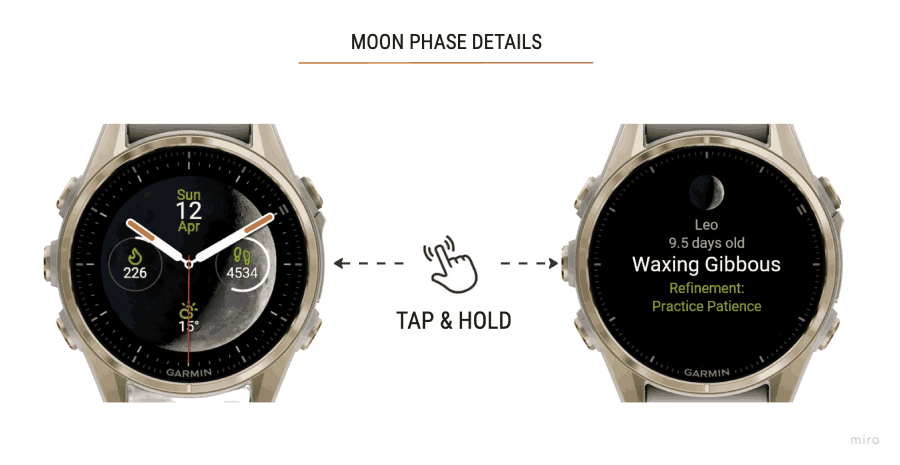
The first two are plain astronomy. The last two belong to the long tradition of lunar calendars and astrology, and they are offered as such: a layer for people who like to plan around the moon, and easy to ignore for those who do not.
Reading tonight's sky from the face
A moon-phase face is most useful when it answers a practical question: will the moon be up tonight, and when? The phase on the dial says a lot, because the phase is set by the moon's angle to the sun, and so is the time it rises and sets. Roughly:
| Phase on the face | When the moon is up | Where to look |
|---|---|---|
| New moon | Up during the day, lost in the sun's glare | Not visible |
| Waxing crescent | Afternoon and early evening, setting after the sun | Low in the west after sunset |
| First quarter | Rises around midday, sets around midnight | Well up in the sky at sunset |
| Waxing gibbous | Rises in the afternoon, sets in the small hours | Most of the evening sky |
| Full moon | Rises around sunset, sets around sunrise | Opposite the sun, all night |
| Waning gibbous | Rises in the evening, sets in the morning | Late evening into the morning |
| Last quarter | Rises around midnight, sets around midday | The morning sky |
| Waning crescent | Rises before dawn | Low in the east before sunrise |
The moon's age on the lunar dashboard sharpens this: around day 7 is first quarter, around day 15 is full, around day 22 is last quarter. For photographers chasing a thin crescent, stargazers who want a dark sky, or anyone who just likes knowing, that is enough to plan an evening.
What to look for in a moon-phase watch face
The Connect IQ Store has many faces with a moon on them. They differ in ways that only show after a week of wearing one.
| Question to ask | Why it matters | Moon Analogue |
|---|---|---|
| How many phases does it draw? | A handful of icons jumps between states | 30 photorealistic phases |
| Does the moon move with the sky? | A fixed image is an icon, not the moon | The image turns through the day at the sky's rate |
| Is it still a good watch? | A moon is no use if the time is hard to read | Analogue hands in three styles, five layouts |
| Does it carry the data you check? | Swapping faces to see a statistic gets old fast | Steps, calories, weather, heart rate, Body Battery, battery or week number, in seven positions |
| Is it kind to an AMOLED screen? | Bright faces cost battery and can mark a screen | True-black backgrounds and a dedicated always-on mode |
| Can it be changed on the watch? | Phone-only settings are fiddly | On-watch customisation with an instant preview |
| How is it paid for? | Outside checkouts add steps | Once, €5.99, in the Connect IQ Store |
Why a sports studio made a watch face
Multipassionate's other products are about precision under pressure: the score at deuce, the split after a sled push, the serve order in a tie-break. Moon Analogue is the opposite kind of object, a face whose main element changes once a day and whose most interesting motion is too slow to see.
The studio's name explains it better than any product strategy. Its about page describes a team with too many hobbies, racket sports one weekend and race training the next, then a quiet evening sketching a watch face. A watch face is also the screen a Garmin owner looks at more than any other, many times a day, which makes it a fair place for something calm.
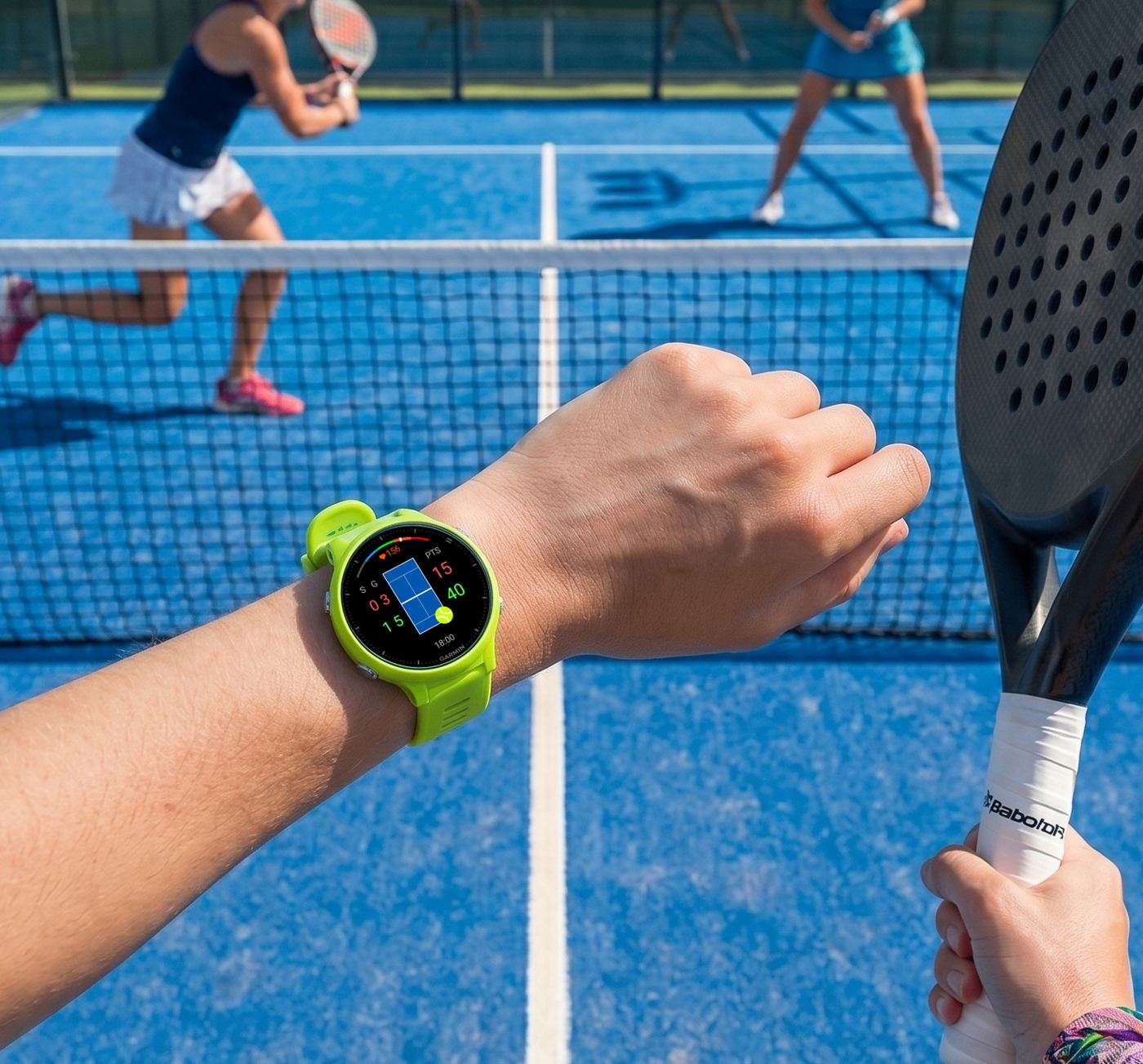
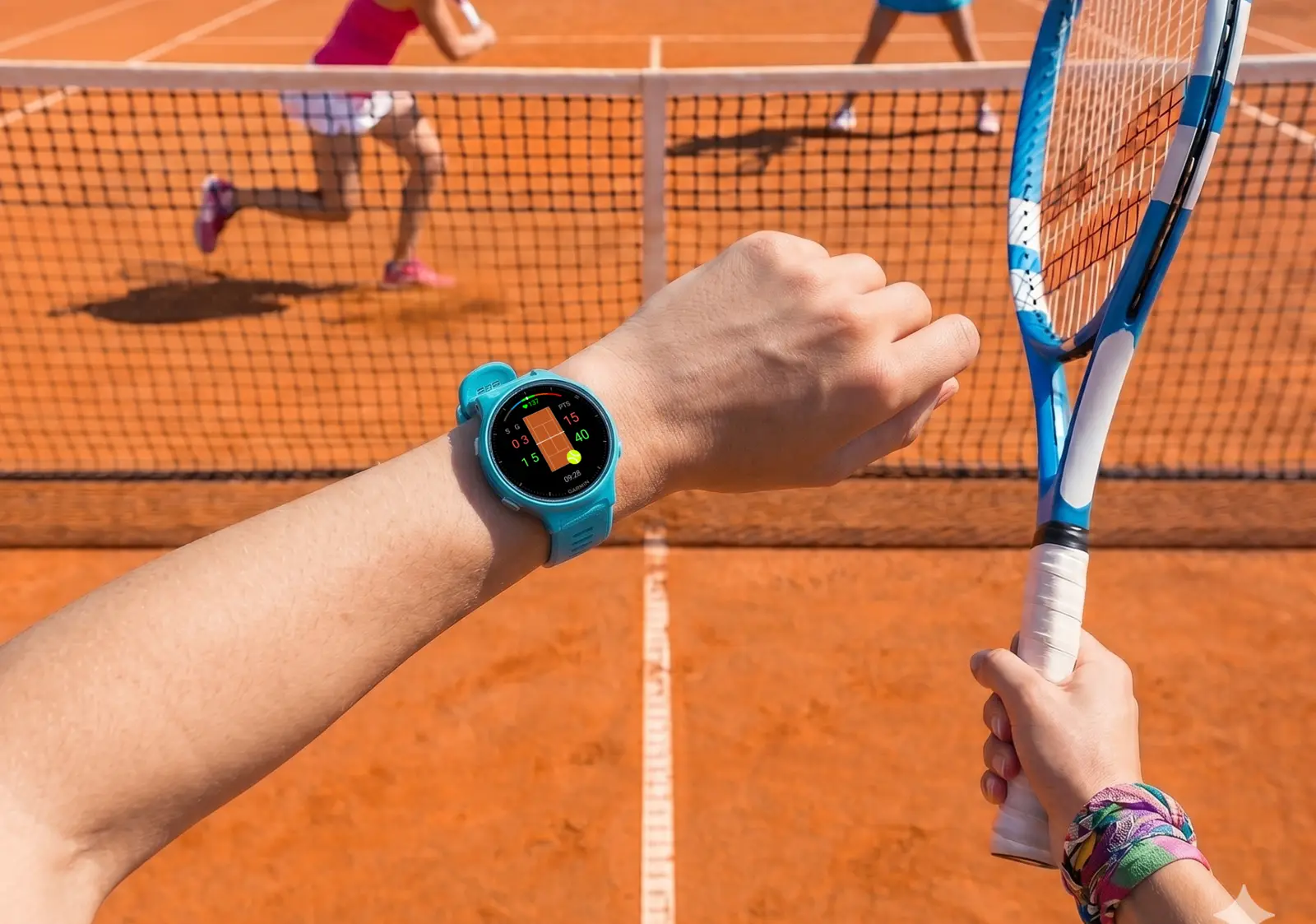
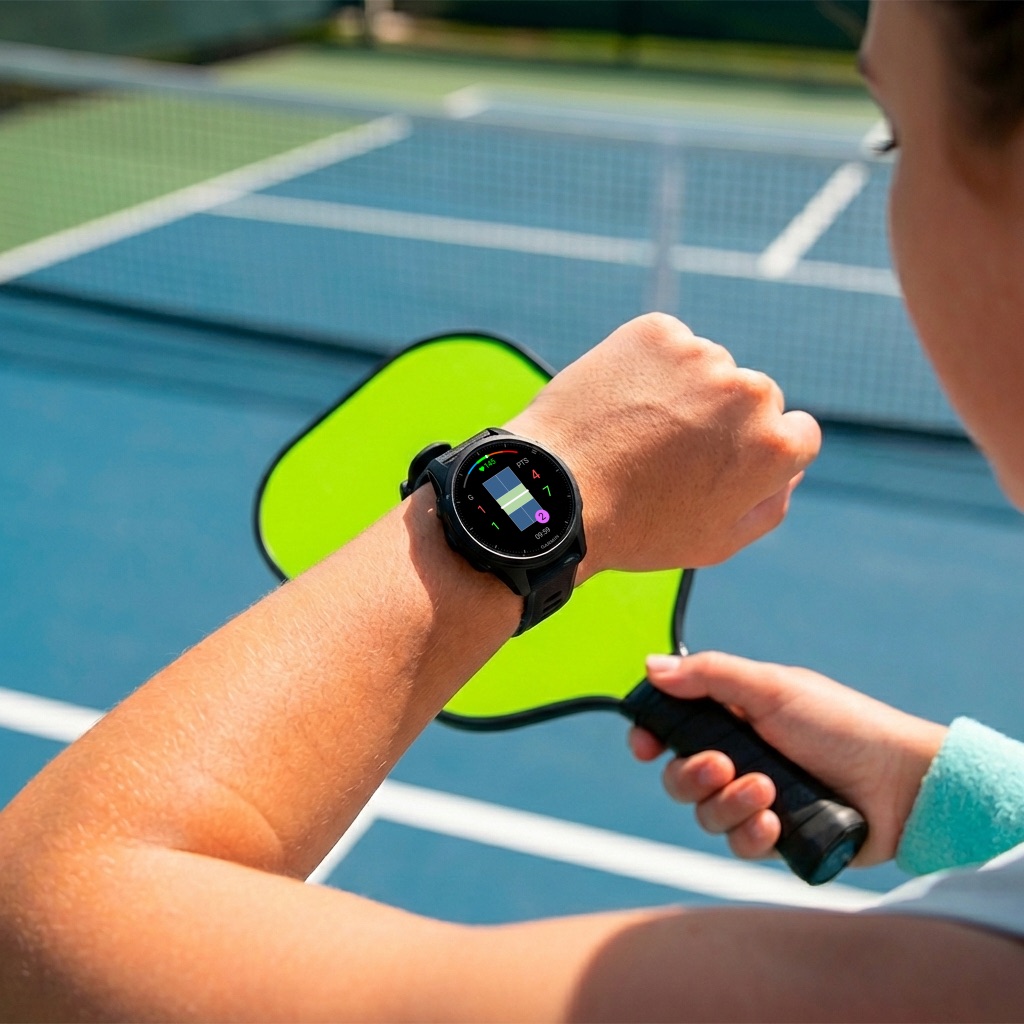
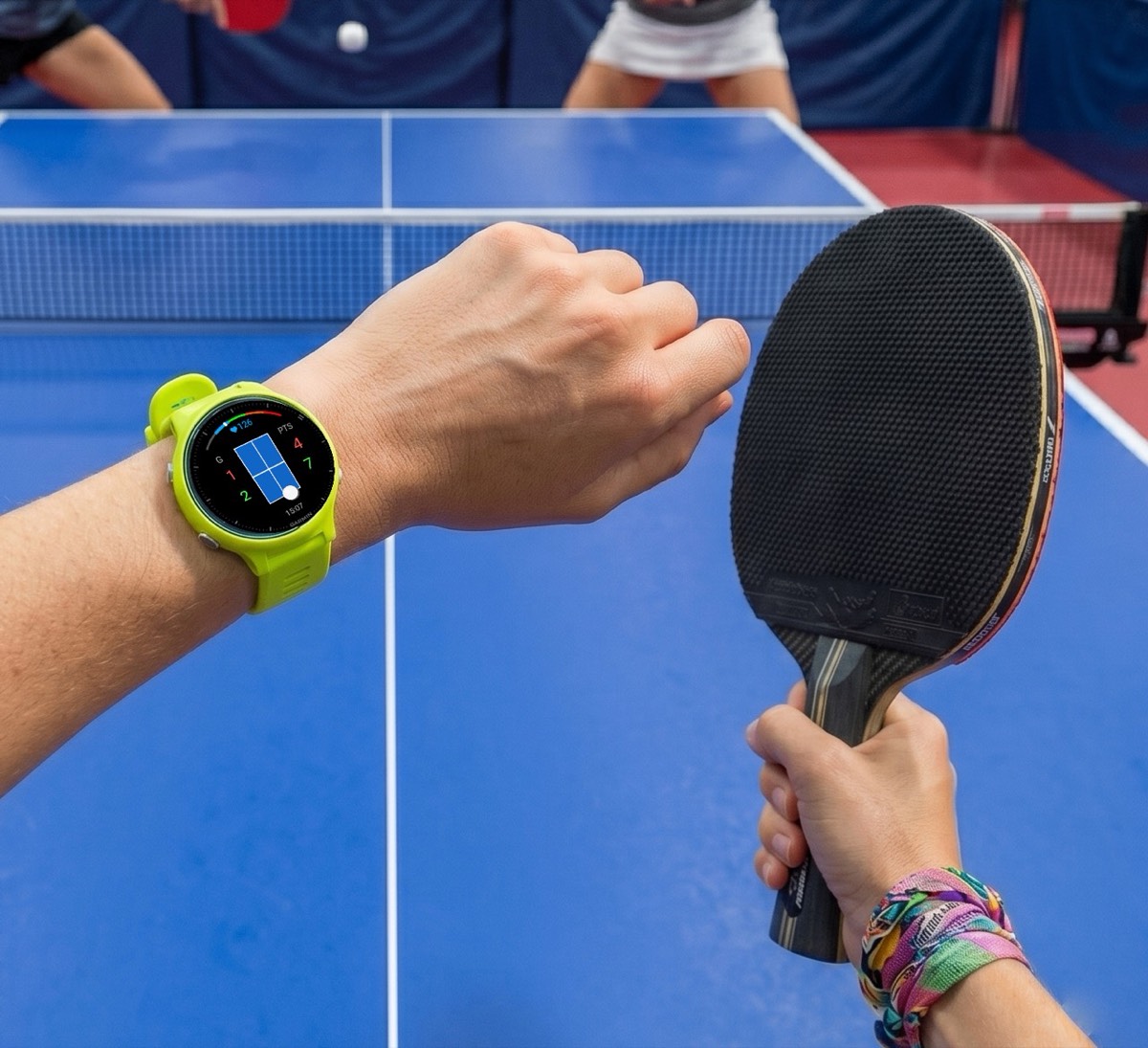
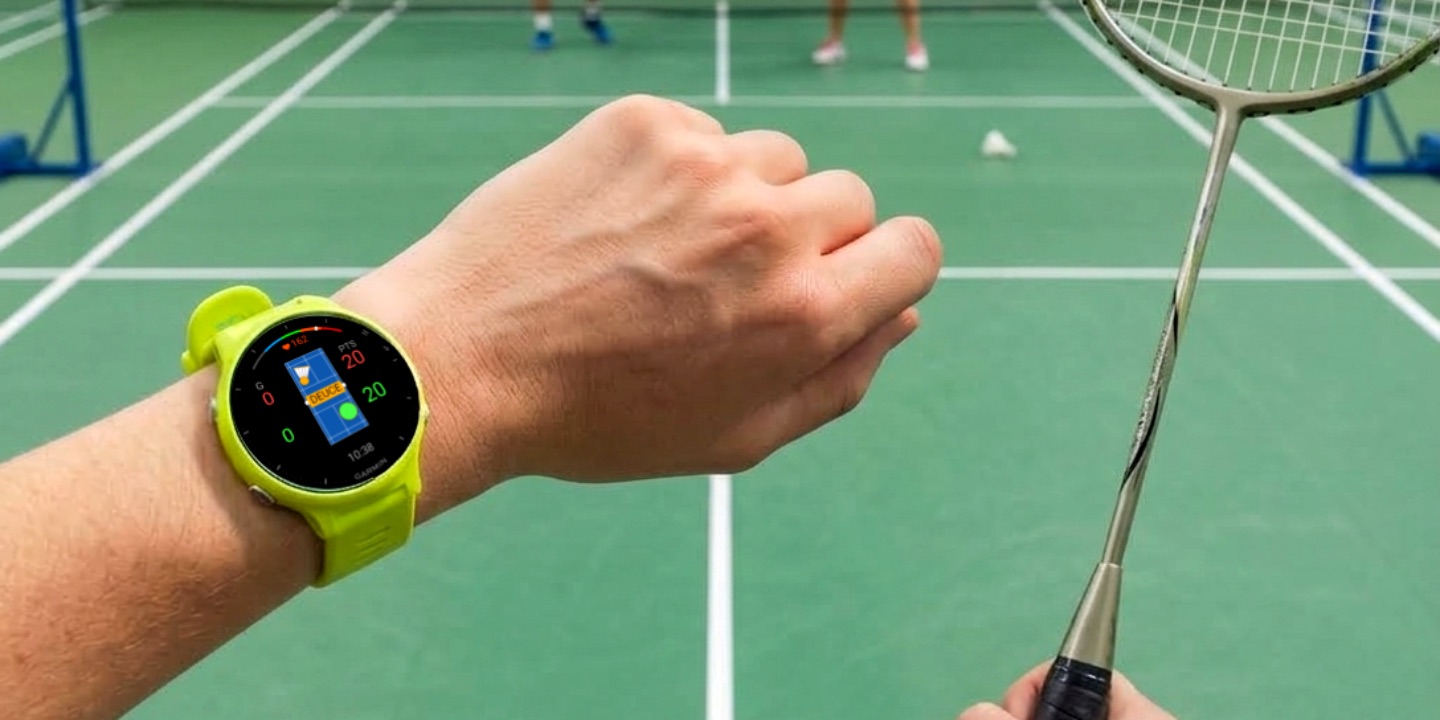
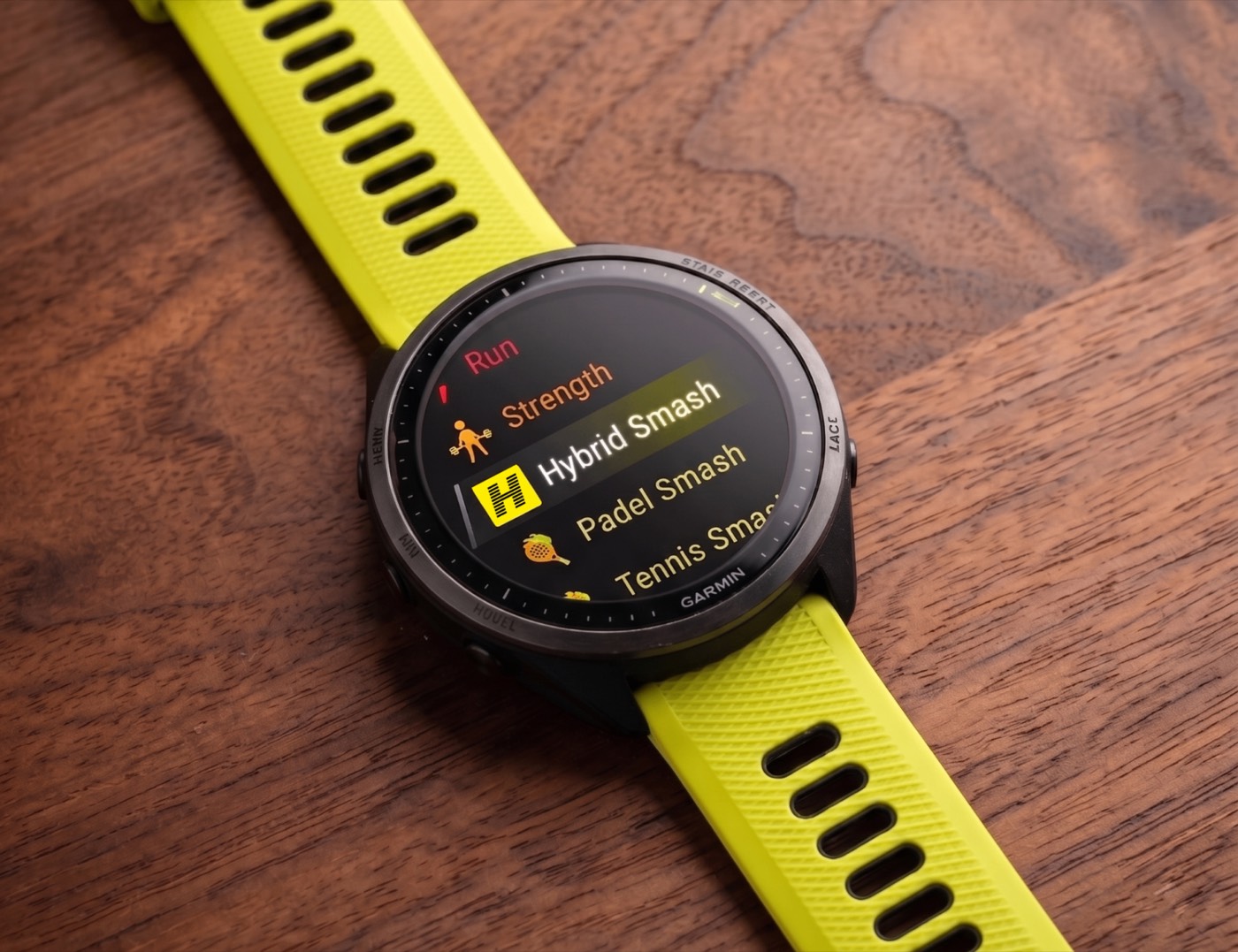
In practice the two sides of the studio work together on the same wrist. Moon Analogue shows the time and the sky until the match starts; then Padel Smash, Tennis Smash or Badminton Smash takes over for the score, and the face comes back when the match is saved.
Who it is for
Moon Analogue suits people who want an analogue face with something more interesting than a logo in the middle: amateur astronomers, photographers who plan night shots around the moon, sailors and anglers who keep an eye on the lunar cycle, gardeners who follow lunar planting calendars, and anyone who simply likes looking up. It suits AMOLED Garmin owners in particular, since it is built around true black and the always-on mode.
It is not a tide table or a precise astronomical instrument. It is a watch face, with a better moon than most.
Getting it
Moon Analogue costs €5.99 in the Connect IQ Store, where the listing names every compatible model. Questions go to the developer through the store's support button, or by email to multipassionate@outlook.com. For the rest of what Multipassionate makes, see all apps or the other articles, including the story of Smash Coach and Hybrid Smash.
Frequently asked questions
Is there a moon phase watch face for Garmin?
Yes. Moon Analogue is a Garmin Connect IQ watch face made by Multipassionate that shows a photorealistic moon in 30 phases with analogue hands and fitness data. It costs €5.99 once in the Connect IQ Store.
Which Garmin watches support Moon Analogue?
The Connect IQ Store lists 58 compatible device variants, mostly AMOLED models such as the Venu range, vívoactive 5 and 6, epix, fēnix 8 AMOLED, fēnix 9, Forerunner 165, 265, 570, 965 and 970, Instinct 3 AMOLED and MARQ. The store listing names every one.
Does Moon Analogue show the real moon phase?
Yes. It moves through 30 phase images over the lunar cycle, and it rotates the moon through the day at the rate the sky turns, about 15 degrees an hour.
What data can Moon Analogue show?
Steps, calories, weather, heart rate, Body Battery, device battery or the week of the year, placed at the left, right, bottom or any of the four corners, depending on the layout.
How do I customise Moon Analogue?
On the watch, hold the Up (Menu) button, choose Watch Face, select Moon Analogue and choose Customise for an instant preview. On the phone, open the Connect IQ app, then My Device, My Watch Faces, Moon Analogue and Settings.
Is Moon Analogue good for AMOLED battery life?
It is designed for it, with true-black backgrounds that leave AMOLED pixels switched off and a dedicated always-on display mode intended to protect the screen and save battery.
What is the lunar dashboard in Moon Analogue?
Touching the screen shows the moon's age in days, the phase name, the lunar zodiac sign from the face's sidereal model and a daily lunar intent, a short prompt tied to the moon cycle.
Who makes Moon Analogue?
Multipassionate, an independent studio in Utrecht, the Netherlands, best known for its Smash family of Garmin sports apps, including Padel Smash, Tennis Smash and Hybrid Smash.
Official links
Written and published by Multipassionate, the studio that makes Moon Analogue. Prices, versions and ratings were checked against the Garmin Connect IQ Store on 3 October 2026 and may have changed since.