Feature · Table tennis
Ping Pong Smash: a free table tennis scorekeeper for the garage, the office and the club
Table tennis is played almost everywhere, and almost never with a scoreboard. Ping Pong Smash turns a Garmin watch into one, for free.
By Multipassionate · 3 October 2026 · 10 min read
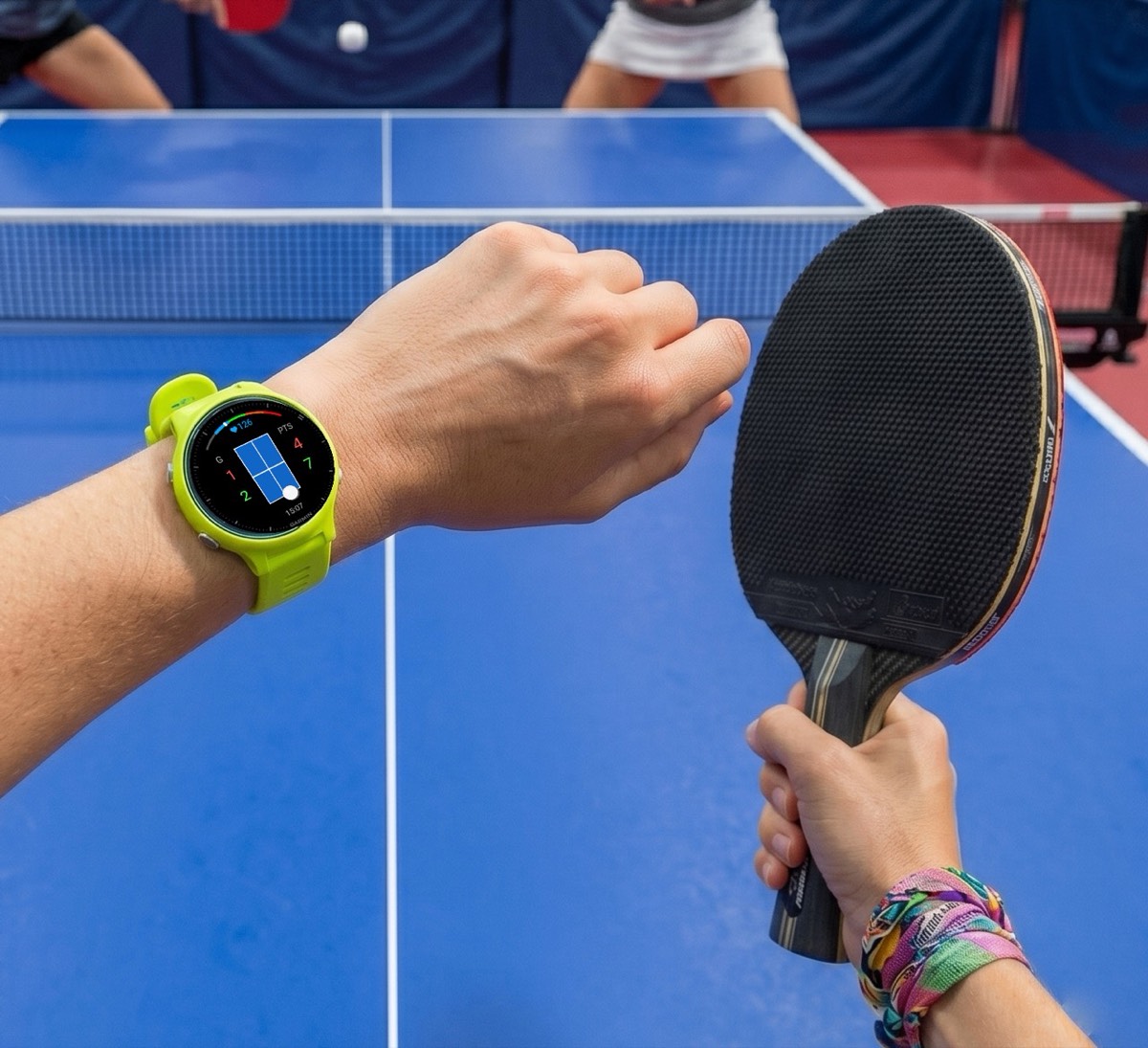
Table tennis may be the most widely available racket sport there is. There is a table in the office kitchen, one in the garage, one in the holiday park, one in the school hall, and one at the club that takes it seriously. Almost none of them has a scoreboard. The score lives in the players' heads, and after a run of quick points it often lives in two different versions.
The founder of Multipassionate knows the feeling from the other side of the table. "As a teenager, I played ping pong and absolutely loved it," reads the app's store listing. "I just wish I'd had this app back then." The app is Ping Pong Smash, a free table tennis scorekeeper for Garmin watches, and it is the most playful member of the studio's family of court apps.
What Ping Pong Smash is
Ping Pong Smash is a free Connect IQ app that keeps table tennis score on a Garmin watch. After each rally, the player presses Down if they won it or Up if the opponent did, or taps and swipes on a touchscreen. The watch tracks points, games, deuce and the serve, and when the session is saved, Garmin Connect receives a table tennis activity with every game score and serve and return statistics for both players. A free web scoreboard at pingpongsmash.app can show the live score on any phone and read it aloud.
It is made by Multipassionate, an independent studio in Utrecht, the Netherlands. In October 2026 it was at version 2.2.0, ran on more than 100 Garmin watch models and was available in 14 languages on the watch. It costs nothing, needs no account and sends nothing personal to its developer's servers.
Two scoring cultures at one table
Ask a club player and a garage player how a game of table tennis works and you may get two different answers, both of them reasonable.
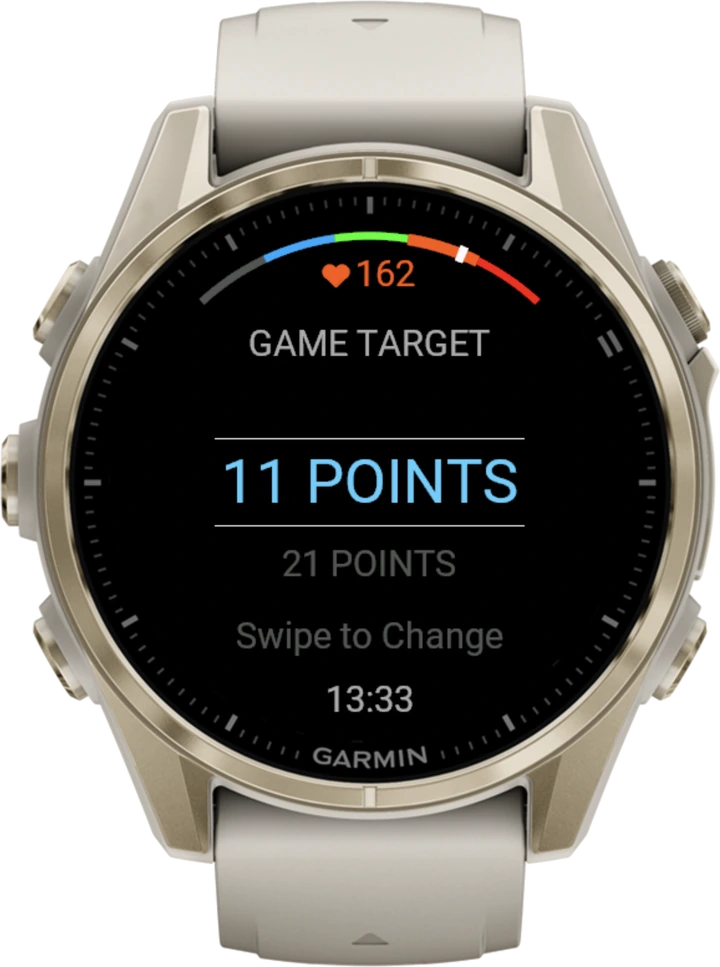
The official game, set by the International Table Tennis Federation since 2001, is played to 11 points, won by two, with the serve changing every two points. Before that change, games went to 21 with five serves each, and that older format never really left the garages, offices and family holidays where many people learned to play. Ping Pong Smash plays both:
| Setting | Options |
|---|---|
| Game target | 11 or 21 points, or a Custom target from 5 to 30 |
| Serve rotation | Every 2 points (tournament style) or every 5 points (casual) |
| Deuce | Automatic: from 10-10 (or 20-20) a game continues until someone leads by two, and the serve changes every point |
| Skunk Rule | Optional: a game to 11 ends at 7-0, a game to 21 at 11-0, and Custom targets scale to match |
The game target is chosen at the start and remembered for next time. The serve rotation, the Skunk Rule and a Custom target can be changed mid-match from the Scoring menu, which is how house rules tend to evolve anyway: somebody suggests a change after the first game, and everybody agrees.
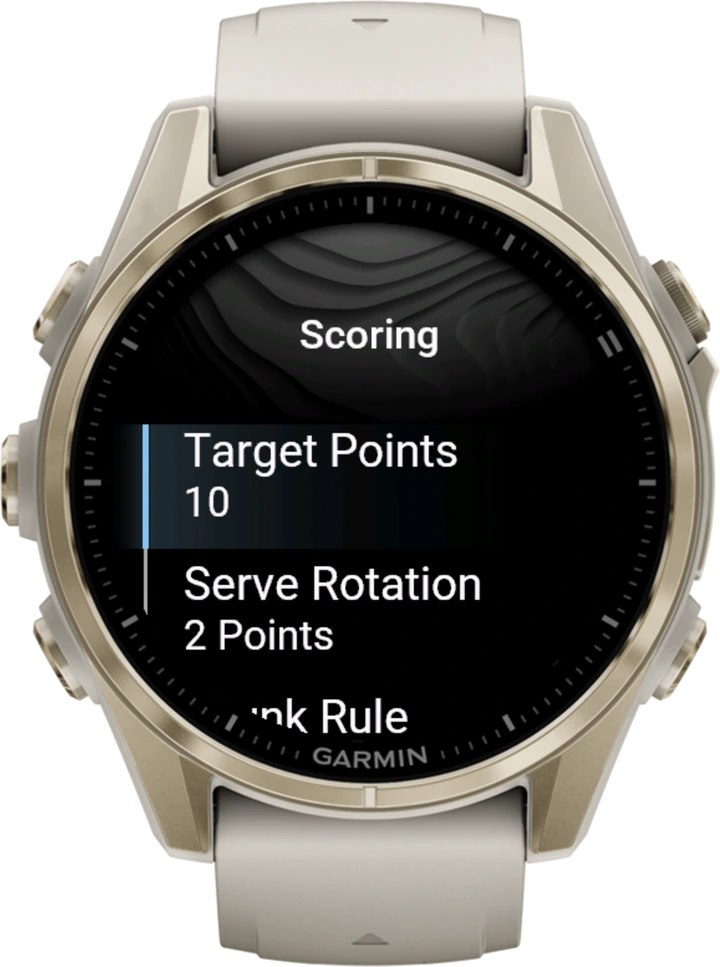
The Skunk Rule deserves a word. It is not an official rule, but it is a widespread house rule from casual play: a game ends early when one player has not scored and the other has reached seven (or eleven in a game to 21). Ping Pong Smash's site has a whole guide to the Skunk Rule and how to agree it before a game. On the watch it is one switch, off by default.
Built for a sport where points take seconds
Table tennis points are short, and they come quickly. Any scoring method that takes longer than a breath between points gets abandoned within a game. That shaped the app's design more than anything else.
Scoring is one press per point. A mini table on the screen shows the ball in the serving player's half, so the question "whose serve is it?" is answered by a glance. At deuce, when the serve changes after every point, the ball moves after every point too. If the serve order goes wrong, holding the Up button changes the server without losing the score. Undo reaches back 15 steps, including the serve and return statistics, so a mis-press does not distort the numbers at the end.
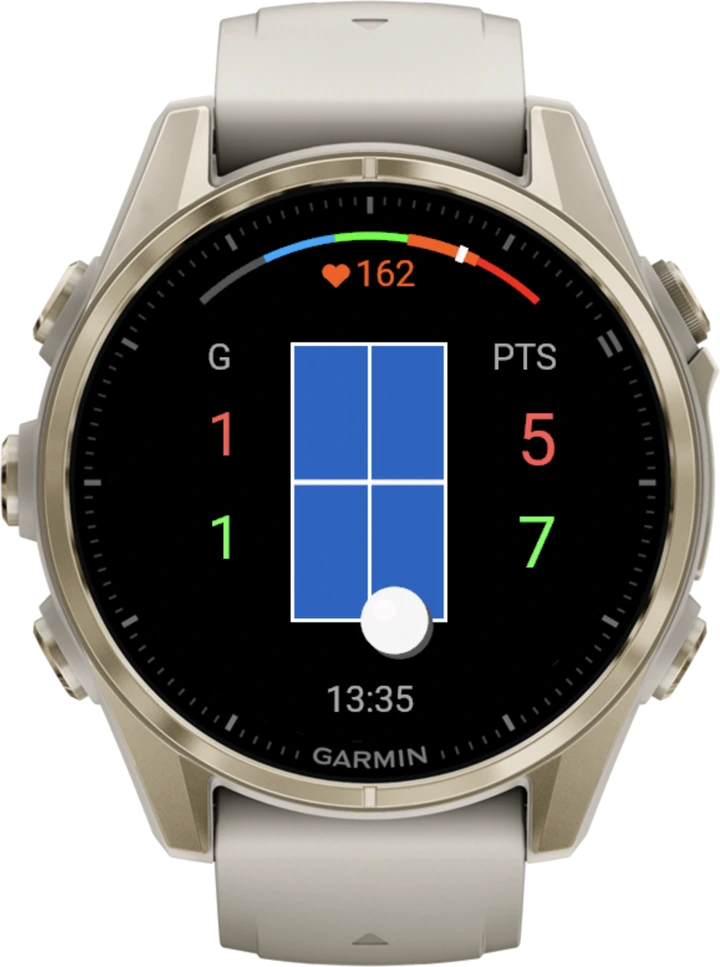
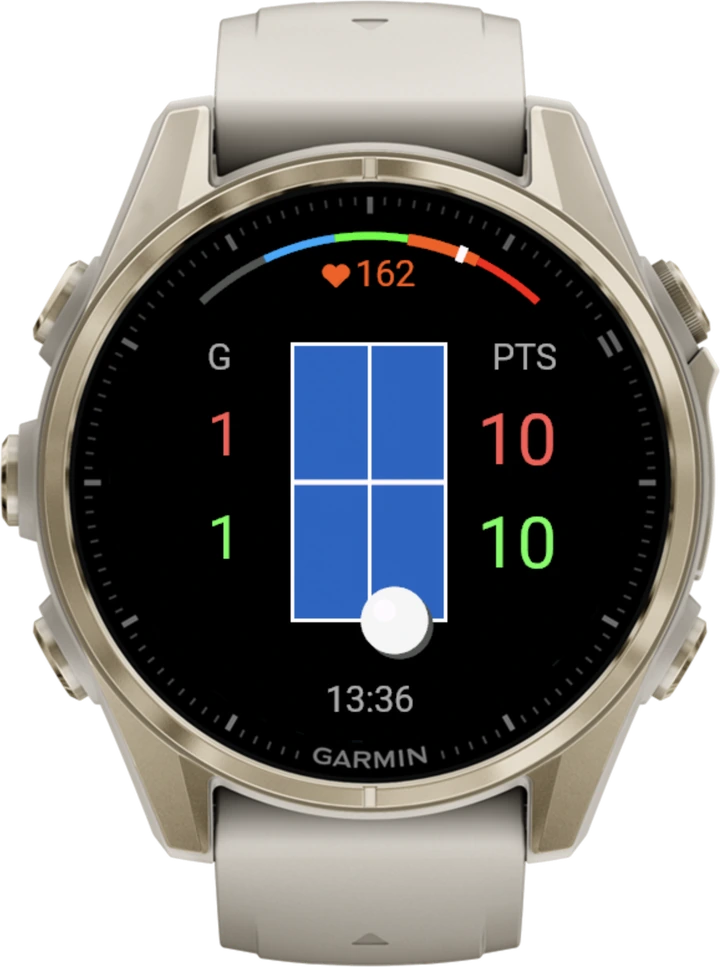
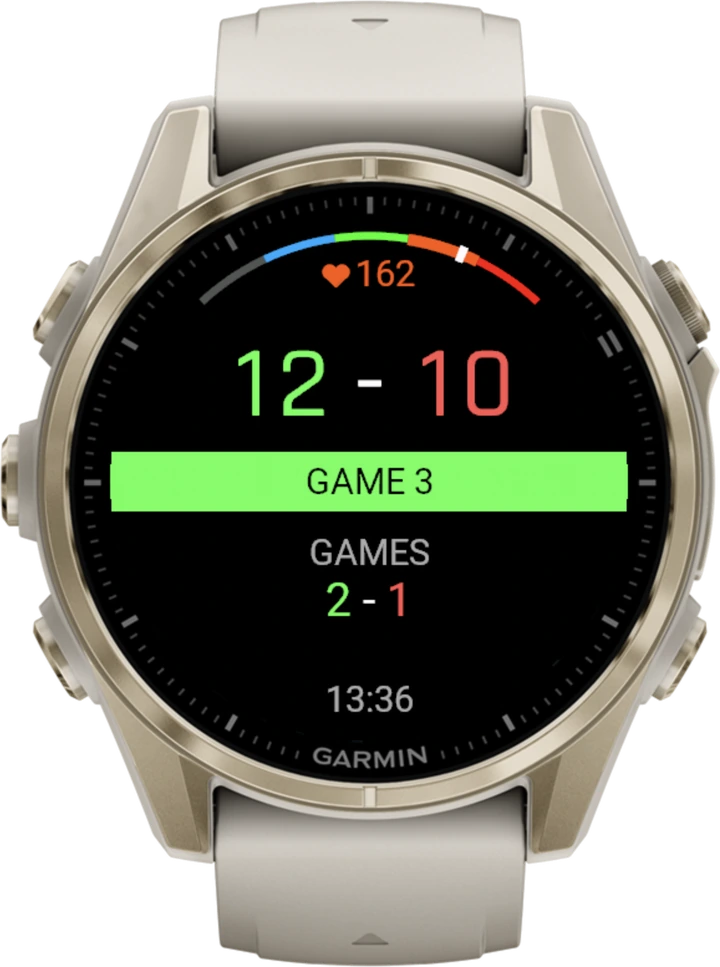
Between games, the final score stays on screen together with the running total of games, so the winner can call it out before the next game starts. A heart-rate gauge across the top of the screen shows the current zone and beats per minute, and the table can be blue, green, dark green or red, depending on what the real table in front of you looks like.
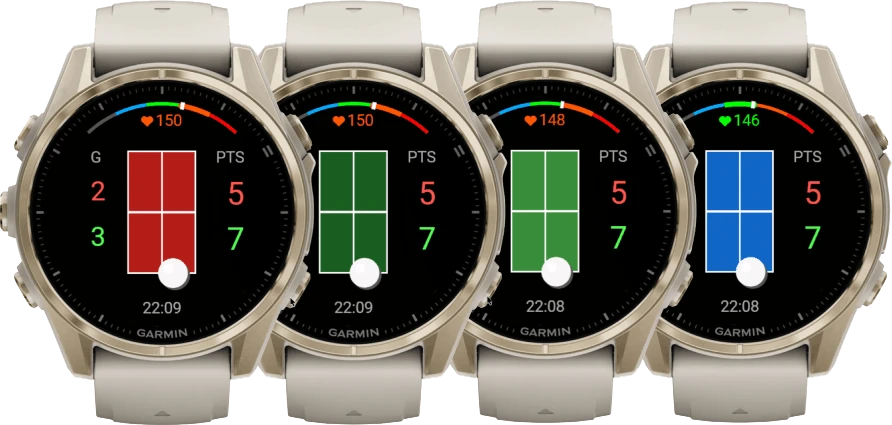
If the watch restarts in the middle of a match, the next launch offers to continue it or discard it and start a new one. In a sport often played in short sessions at odd moments, that matters more than it might seem.
Why it does not watch your forehand
A common question about any racket sport app is whether the watch can detect the shots. Ping Pong Smash's answer is no, deliberately. Detecting table tennis strokes works best with a sensor on the paddle hand, in controlled drills, and many players wear their watch on the other wrist. The app's site summarises what the research says in its guide on stroke detection with a Garmin.
Scoring by hand avoids the problem entirely. It works whichever wrist wears the watch, it never miscounts a practice swing, and it costs less than a second per point. The watch cannot see who won the rally, so a person tells it.
The office league scoreboard
The live scoreboard is where Ping Pong Smash becomes a social object. While the watch is connected to a phone, it sends the score to pingpongsmash.app after every point. The six-digit PIN sits in the watch settings under Broadcast Scores, and selecting it opens the scoreboard on the player's own phone. Anyone else types the PIN into the page in any browser, on a phone, a tablet or a laptop.
With Sound and Screen On switched on, the page reads every score aloud in one of 13 languages. For a lunchtime league, that means a laptop at the end of the room can show and call the score of the match in progress while the next pair waits. For a family game, it means a phone propped up by the table does the umpiring.
Unlike its sibling apps, Ping Pong Smash currently has no separate switch for the live score: it is on whenever the watch is connected to a phone, and disconnecting the phone stops it. What it sends is minimal: the score, the serving side, the watch language and the PIN. Heart rate stays on the watch and in Garmin Connect.
What the numbers say afterwards
When a match is ended with Save + Exit, it becomes a Garmin Connect activity named Ping Pong Smash. On newer watches it is saved as table tennis, though Garmin Connect currently displays Connect IQ table tennis activities as Racket Sports, a quirk of Garmin's app rather than of the match. Older watches save a generic activity with the same fields.
Those fields are unusually complete for a free app:
- the winner, or a draw,
- every game score, for example 11-9, 8-11, 11-7,
- the number of games played and won by each player, and
- the serve percentage and return percentage for both players.
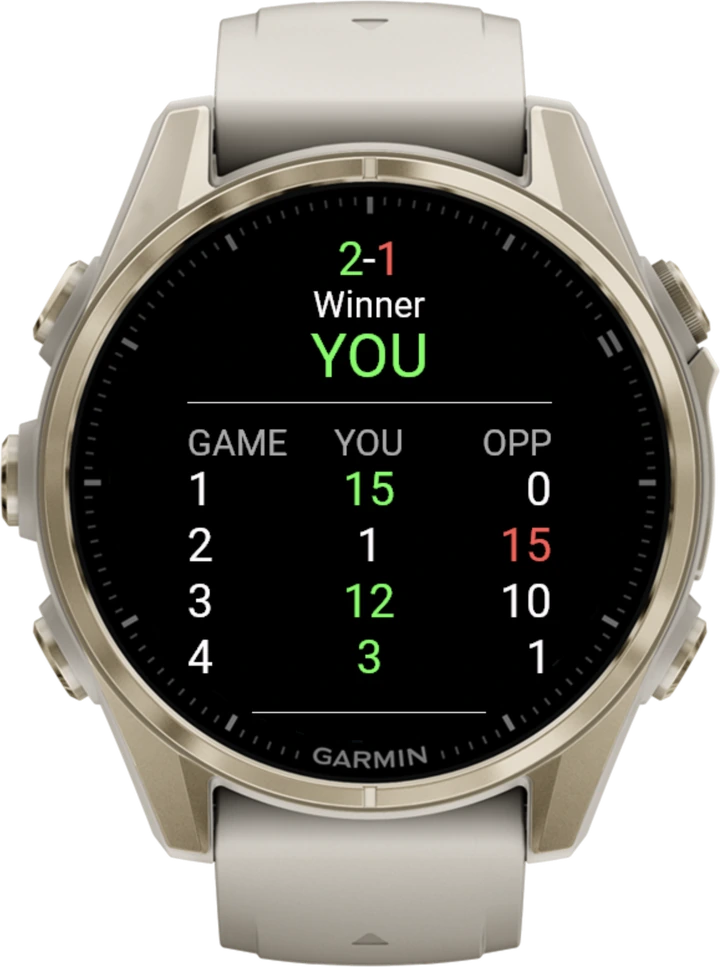
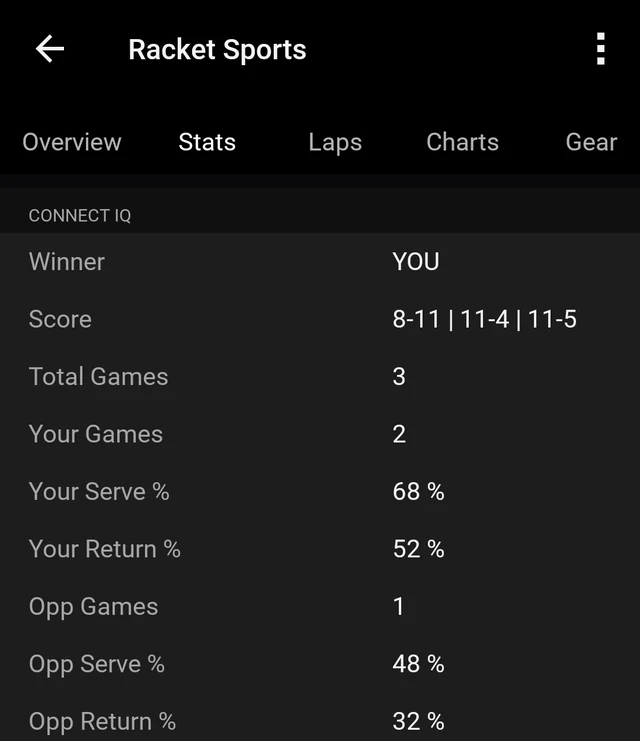
That last pair is the interesting part. Table tennis players talk constantly about the advantage of the serve, and the numbers show whether it was real in a given match. A player who wins most points on their own serve and few on the opponent's has a serve that works and a return that does not. When both players' serve percentages are high, the match was decided by a handful of returns. Every game played in a session sits inside one activity, so an evening's games read as a single block.
What it leaves out
Ping Pong Smash does one job, and its help centre lists what it does not do:
- No stroke, shot or spin detection, and no automatic point detection.
- Singles scoring, YOU against OPPONENT. Doubles can be scored pair against pair, but the watch does not track which player of a pair serves.
- No automatic match end for best of three, five or seven. Play the agreed games, then choose Save + Exit.
- No player names, no faults or lets, and no statistics across matches or tournaments.
- No GPS, which table tennis does not need, and no sound on the watch, which vibrates instead.
- No direct export to Strava or Apple Health. Matches reach them through Garmin Connect like any other Garmin activity.
What to look for in a table tennis scoring app
Most table tennis scoring apps fail in the same way: they take longer to operate than a point takes to play. These are the questions that decide whether an app will still be in use after a week, with Ping Pong Smash's answers.
| Question to ask | Why it matters | Ping Pong Smash |
|---|---|---|
| How fast is scoring? | Points last seconds | One press, tap or swipe per point |
| Does it play both 11 and 21? | Clubs and casual tables play different games | 11, 21 or a Custom target from 5 to 30 |
| Does it handle deuce and serve changes? | Serve rules change at 10-10 | Automatic deuce, with the serve changing every point |
| Does it follow your house rules? | Five serves each and the Skunk Rule are common at home | Serve rotation every 2 or 5 points, Skunk Rule optional |
| What does it record? | A result alone says little about the match | Every game score, plus serve and return percentages for both players |
| What does it cost? | Some free apps hold back saving or statistics | Free, with full saving to Garmin Connect |
| What does it share? | A live score should not mean sharing personal data | Only the score, serving side, watch language and PIN |
Four ways people use it
The office league. A table in the kitchen, a ladder on the wall and a lunchtime rush. One player wears the watch, a laptop at the end of the room shows the live score from pingpongsmash.app, and the result of every game is settled before the next pair steps up.
The family table. A garage, a holiday house, three generations and a lot of opinions about the rules. Twenty-one points with five serves each, Skunk Rule on, and a phone propped up by the table calling the score so nobody has to.
The club player. Eleven-point games, serve every two points, deuce played properly. After the session, the serve and return percentages in Garmin Connect show whether the serve that felt strong actually won points.
The returning player. Somebody who loved the game as a teenager and has found a table again, which is roughly the story behind the app itself.
Free, and part of a family
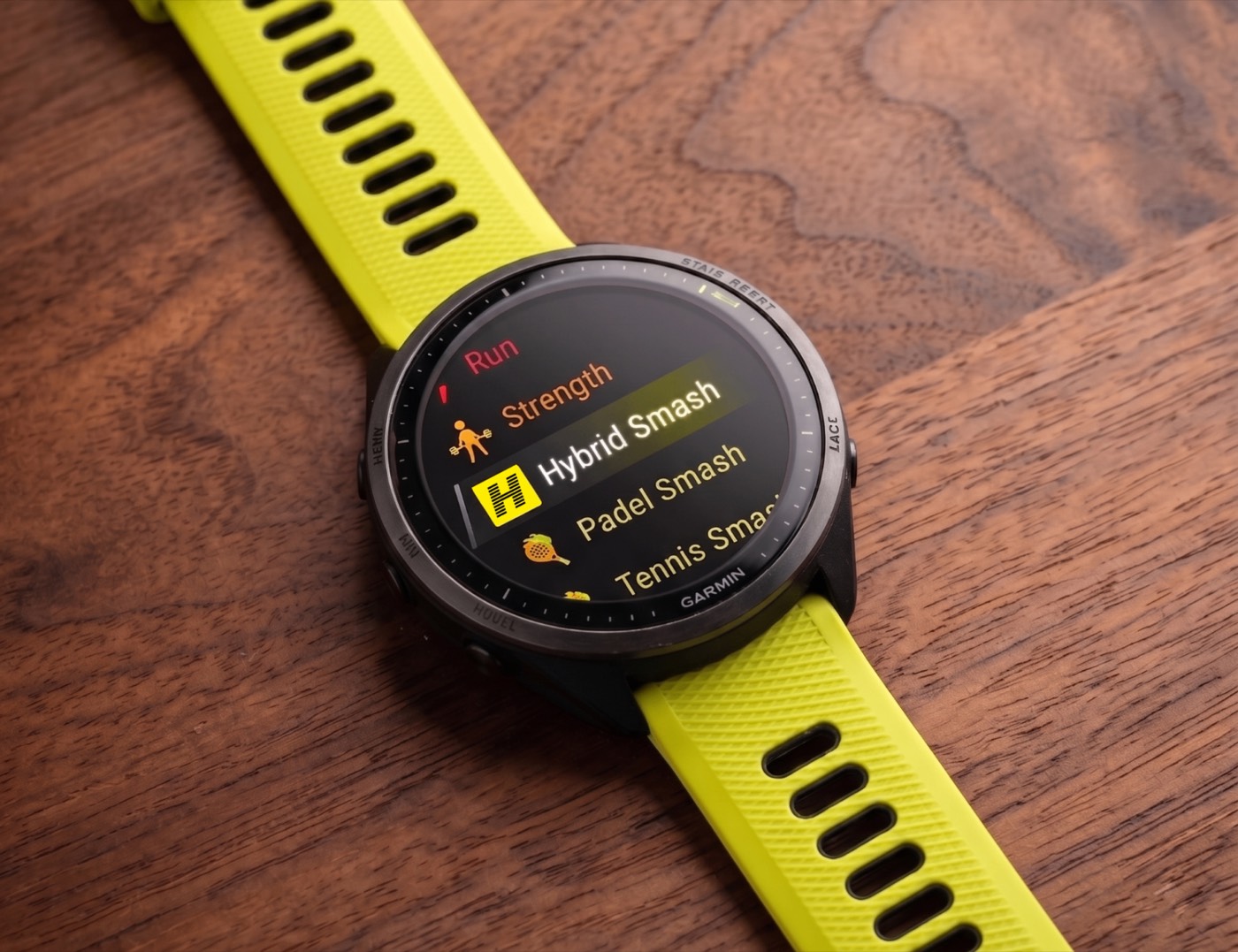
Ping Pong Smash is free on the Connect IQ Store, without a trial period or an account. Its menu includes a Fitness Coach item that opens the table tennis programme of Smash Coach, Multipassionate's training platform, for players who want to build strength and speed off the table.
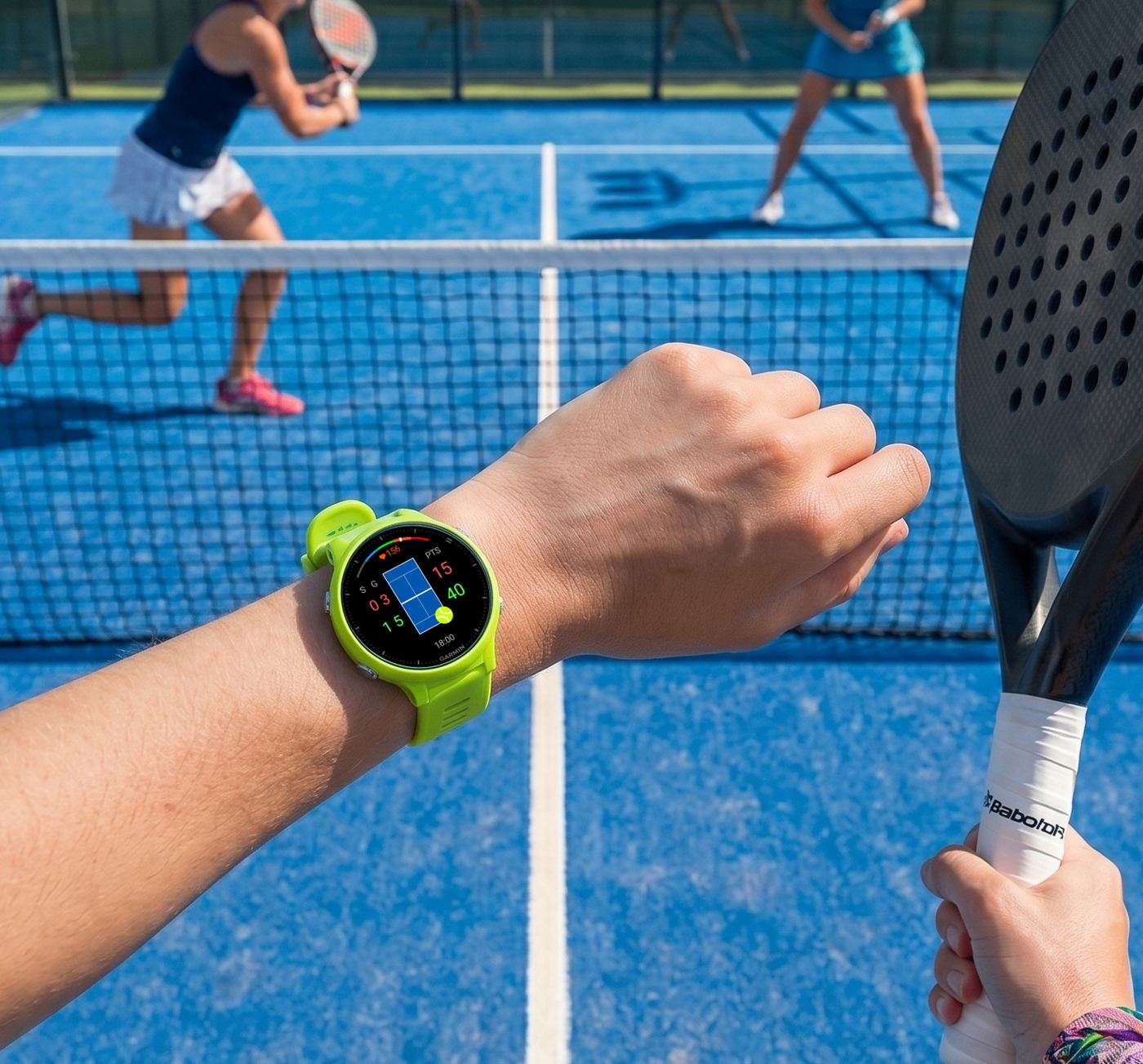
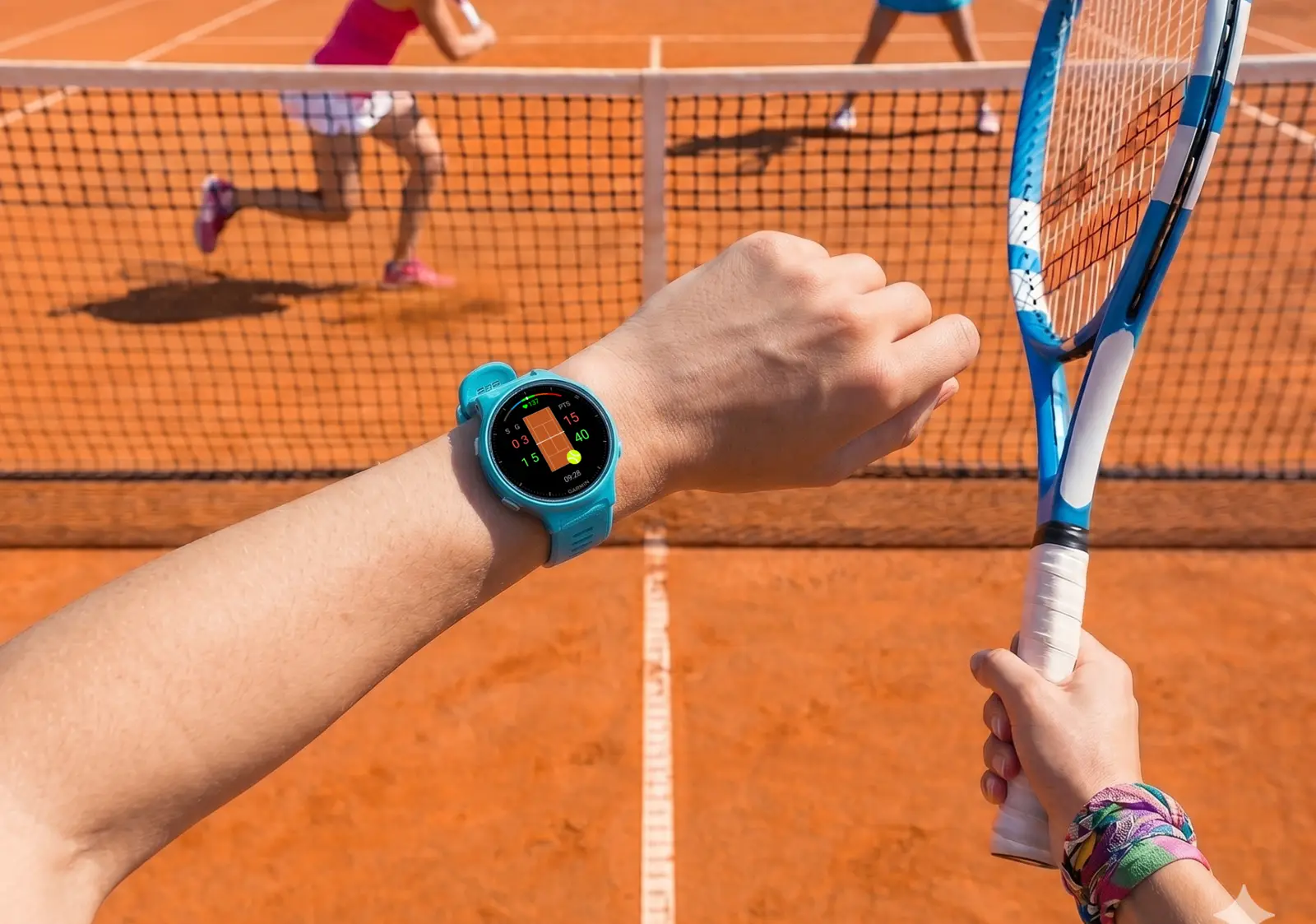
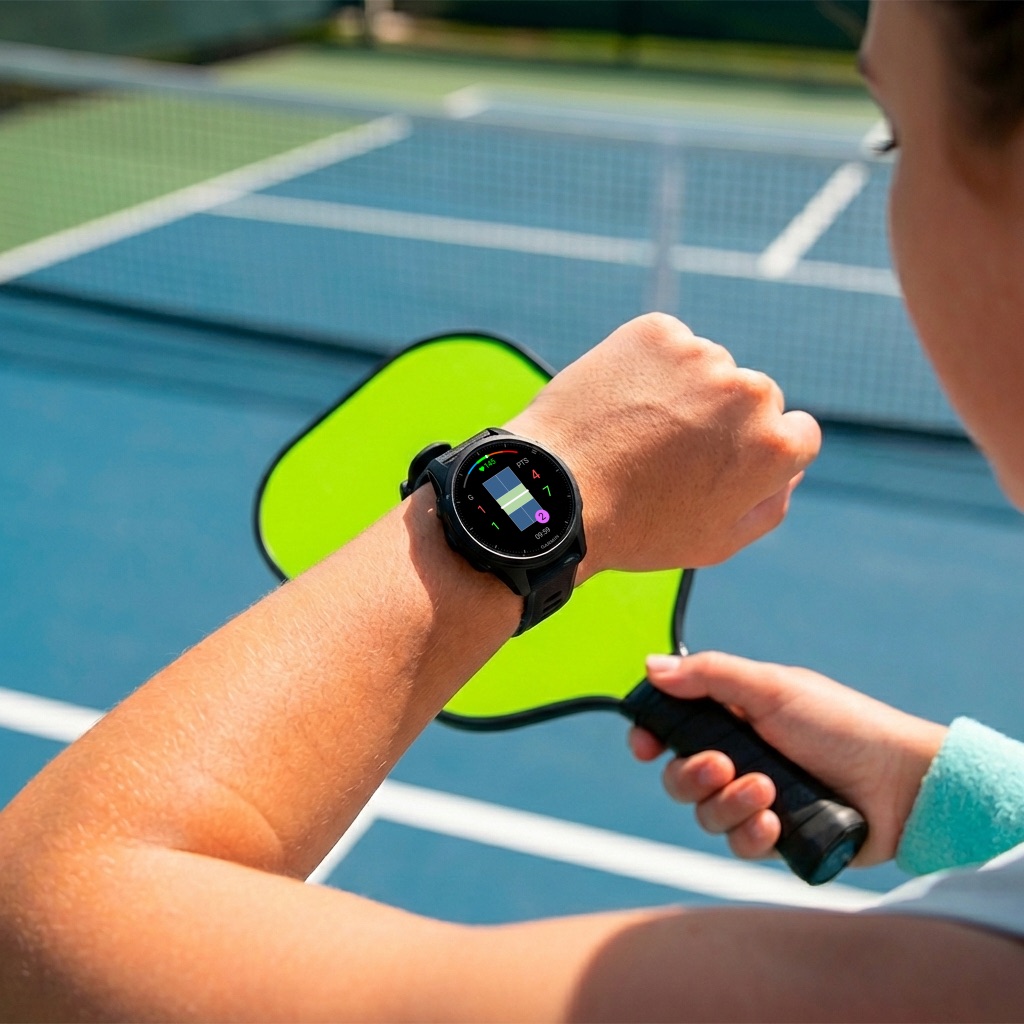
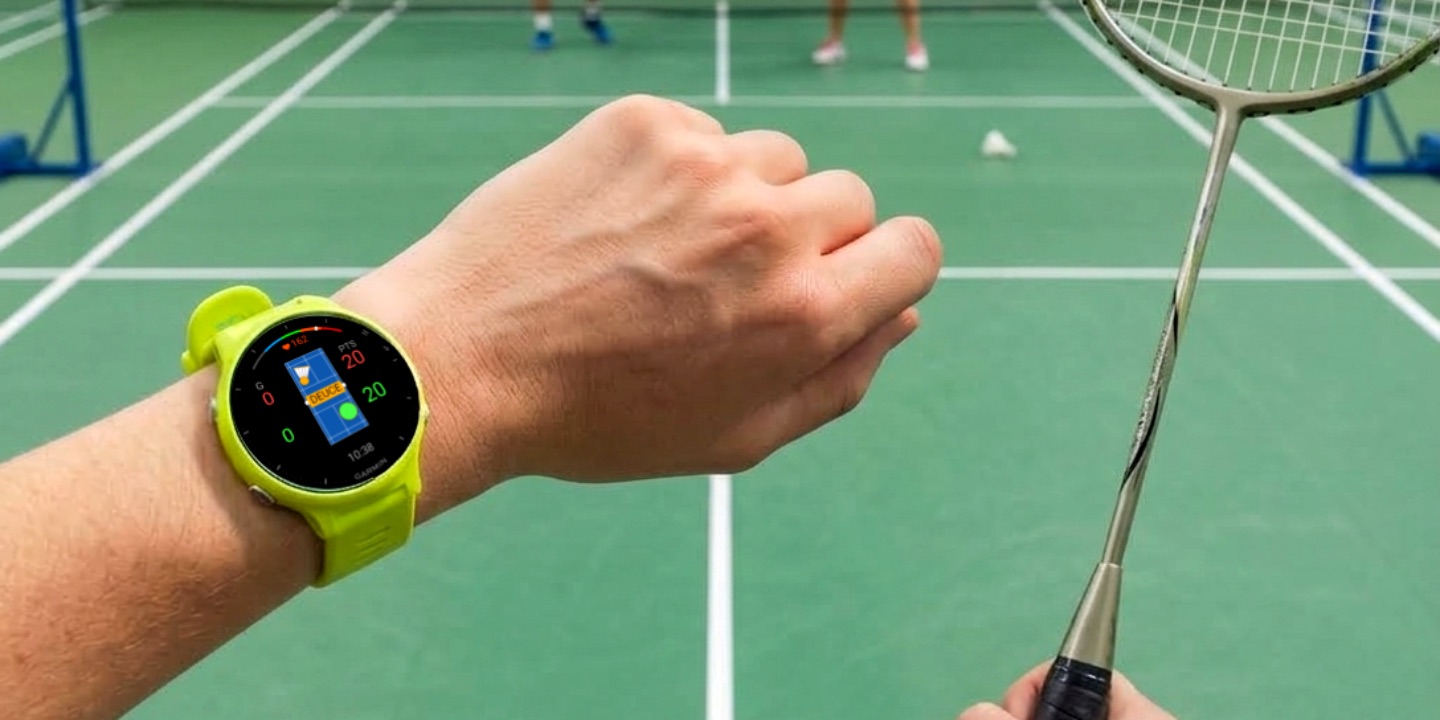
It shares its controls and scoreboard approach with Padel Smash, Tennis Smash, Pickleball Smash and Badminton Smash, so a player who uses one already knows the others.
Ping Pong Smash is available from its Connect IQ Store listing. Help, guides to table tennis on a Garmin and the live scoreboard are at pingpongsmash.app.
Frequently asked questions
How do I keep table tennis score on a Garmin watch?
Install Ping Pong Smash from the Connect IQ Store, start it, choose who serves and the game target, then press Down when you win a rally and Up when your opponent does. The watch tracks points, games, deuce and the serve.
Is Ping Pong Smash free?
Yes. Ping Pong Smash is free in the Garmin Connect IQ Store, with no account, trial period or in-app payment.
Can Ping Pong Smash play games to 21?
Yes. Games can go to 11 or 21 points, or to a Custom target from 5 to 30, with the serve changing every 2 points or every 5 points.
What is the Skunk Rule in Ping Pong Smash?
An optional mercy rule: a game to 11 ends at 7-0 and a game to 21 ends at 11-0, with Custom targets scaled to match. It is off by default and can be changed mid-match.
Does Ping Pong Smash support doubles?
It scores singles, YOU against OPPONENT. Doubles can be scored pair against pair, but the watch does not track which player of a pair serves.
Does Ping Pong Smash detect strokes?
No. Each rally is scored with a press, tap or swipe, which works whichever wrist wears the watch. The app does not detect strokes, spin or shots.
Does Ping Pong Smash sync to Strava?
Indirectly. Matches are saved to Garmin Connect, and if Garmin Connect is linked to Strava, the activity syncs there like any other. The match fields stay in Garmin Connect.
Who makes Ping Pong Smash?
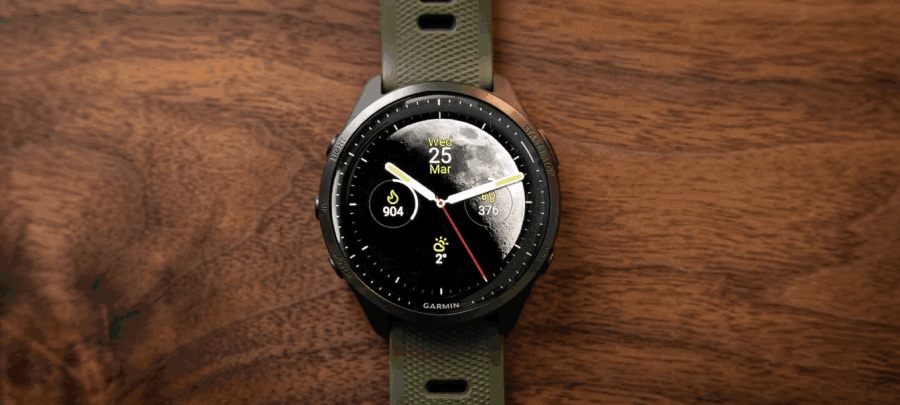
Multipassionate, an independent studio in Utrecht, the Netherlands, which also makes Padel Smash, Tennis Smash, Pickleball Smash, Badminton Smash, Hybrid Smash, Smash Coach and the Moon Analogue watch face.
Official links
- Ping Pong Smash in the Garmin Connect IQ Store
- Official website: pingpongsmash.app
- Help centre
- Guides to table tennis on a Garmin
- Support: multipassionate@outlook.com
Written and published by Multipassionate, the studio that makes Ping Pong Smash. Prices, versions and ratings were checked against the Garmin Connect IQ Store on 3 October 2026 and may have changed since.